For WordPress sites
A WordPress chatbot that answers from your pages
Install the free plugin, click Connect, then click one button to build your agent from your own pages. No coding. The chat appears once it is built.
Set it up in three steps
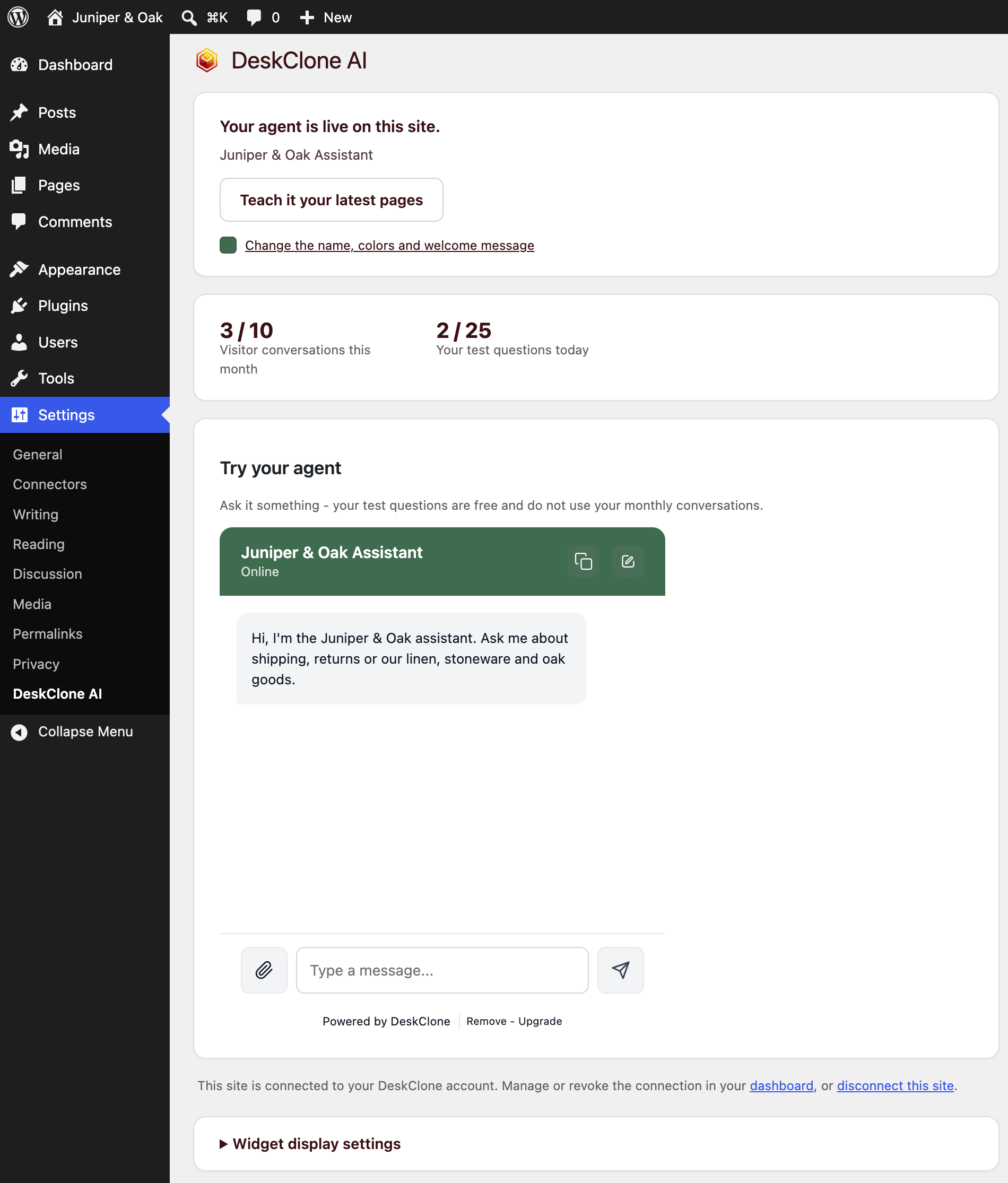
Install and activate DeskClone AI from Plugins, then Add New. Under Settings, DeskClone AI, click Connect DeskClone and sign in. Click Build my agent from this website, and the chat appears by itself.
Choose where the chat shows
Choose which pages
Show the chat on every page except the ones you list, such as /checkout/.
Re-read your site
Click Teach it your latest pages and your agent reads your site again.
Change the look
Change the name, colors and welcome message in your dashboard, and your site shows them straight away.
Questions your agent can't answer come to you
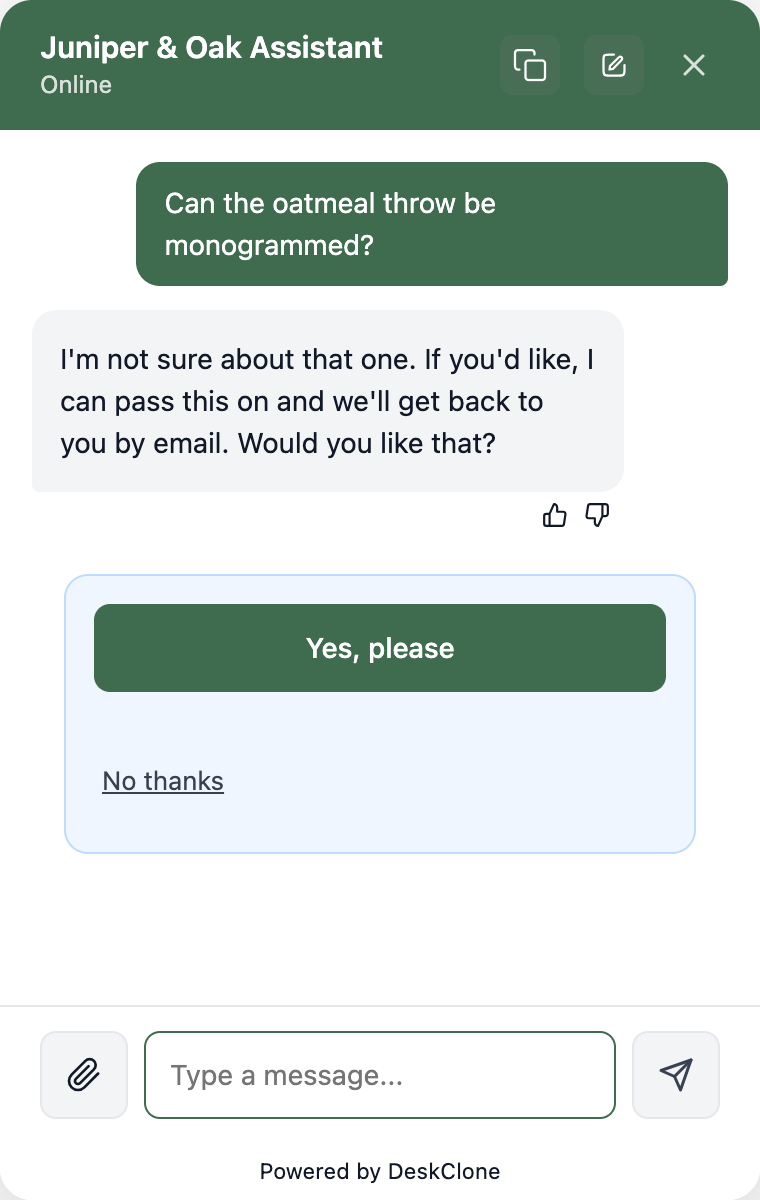
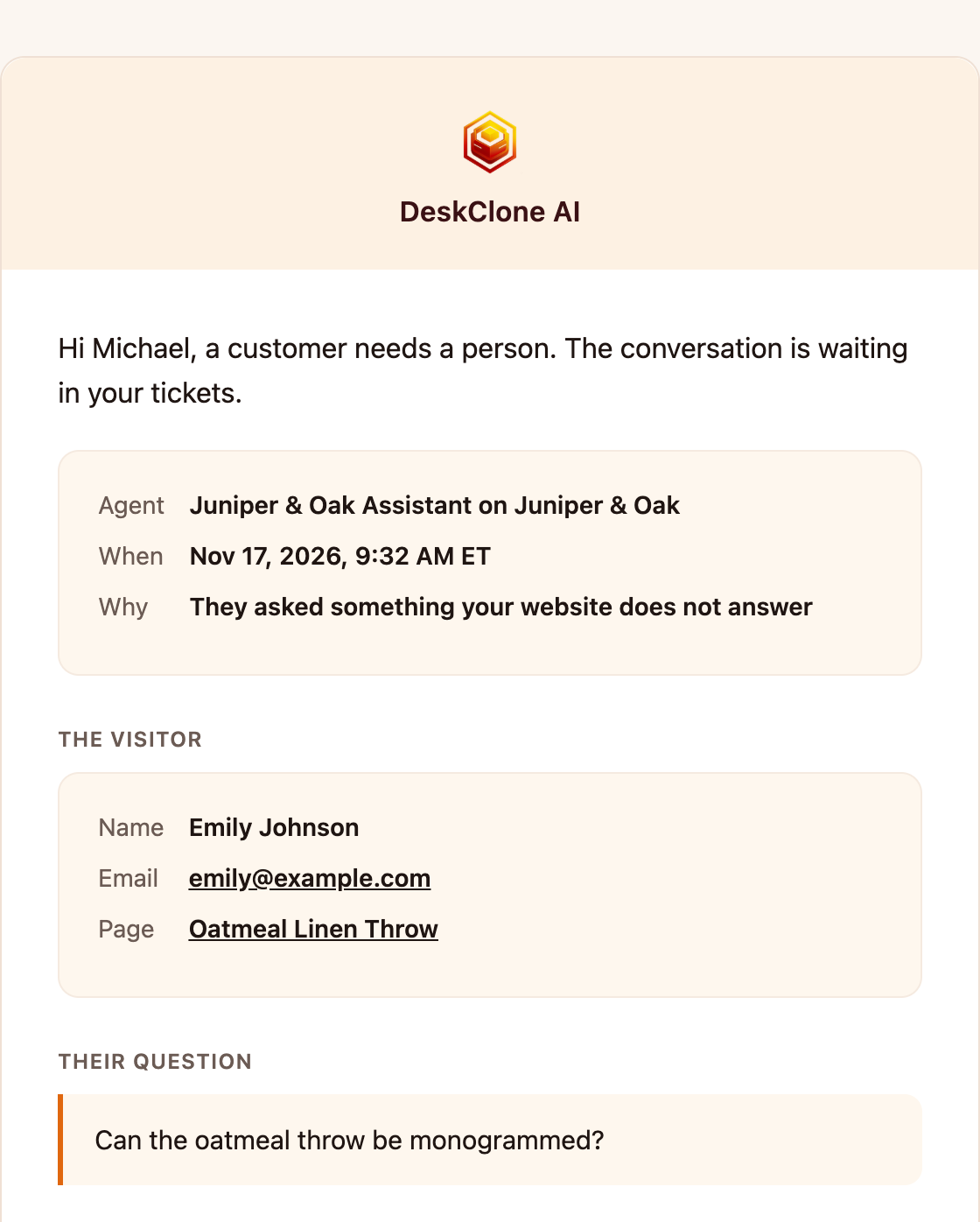
When the answer isn't on your site, your agent says so and offers to pass the question to you. It can collect the visitor's name and email, and you get the conversation by email.
Pay one flat price
Free is one website and 10 conversations a month, with no card. Starter is $19 a month for 100. Pro is $59 for 500. A busy month costs the same, within your plan's conversations.